

AITS - Service Desk - Banner Admin Pages - Printing Pages and Formatting Output
Banner now provides a Print Screenshot functionality from within the application that supports layout changes within the Banner page (e.g. column changes, windows zoom, pagination changes, window resizing, etc.). Configuration and controls within the print dialog box (e.g orientation) are also supported, allowing for even more control over what is printed to the page.
This feature is accessible either from the Tools menu ( Tools > Print Screenshot ) or by using the shortcut Ctrl+Alt+P.

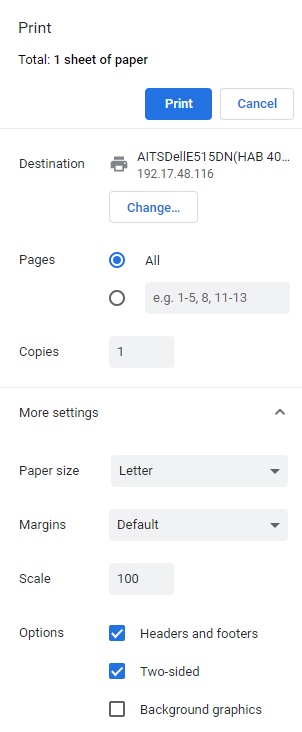
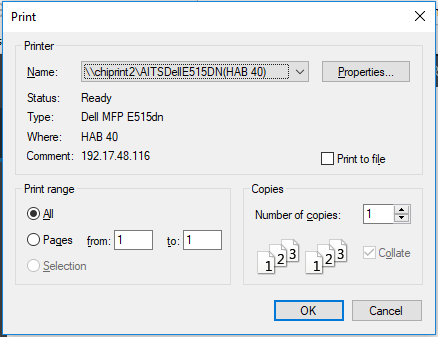
Selecting Print Screenshot will open your browser’s print dialog box which will allow you to further customize the screenshot before printing.
Chrome for Windows
Firefox for Windows
Chrome for Mac/OS X

Firefox for Mac/OS X

Alternatively, you use the manual process for taking a screenshot. For more information on this option see the option that applies to your device type:
Other Device Types - select your device type using the buttons at the top to see instructions for your device.