

Peripherals
List of Peripherals
Docking Stations
The following docks are the recommended docks for our Windows and Mac machines.
| Windows Dock (Dell TB25TB4) | Mac Dock (Belkin TB4 Dock) |
|---|---|
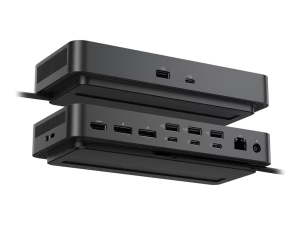 |
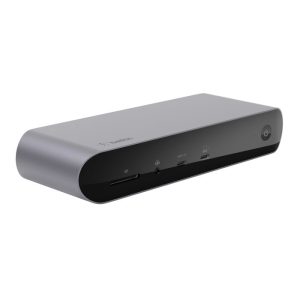 |
Docking Station Information
| Windows Dock (Dell SD25TB4) | Mac Dock (Belkin Pro TB4 Dock) | |
|---|---|---|
| Windows Compatable | Yes | Yes |
| Mac Compatable | No | Yes |
| Max Displays | 4 Displays x 4K | 3 Displays x 4K |
| Power Delivery | 130W (Dell Systems) 96W (non-Dell systems) |
90W |
| USB-A Ports | 4 Ports | 2 Ports |
| USB-C Ports | 4 Ports 2 Thunderbolt 4 1 USB-C DisplayPort Alt |
3 Ports 2 Thunderbolt 4 capable |
| DisplayPort Ports | 2 Ports | 0 Ports |
| HDMI Ports | 1 Port | 2 Ports |
Keyboards and Mice
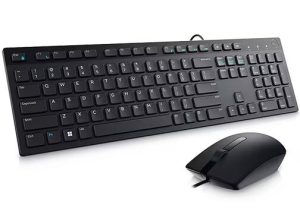
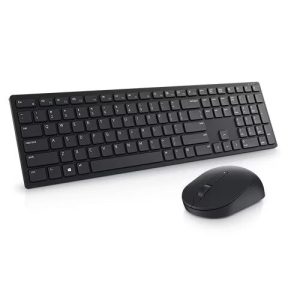
There are many options of keyboards and mice to pick from. Our favorites are listed below in a digestible format.
Mouse and Keyboard Combos
| Dell Wired Keyboard | Dell Wireless Keyboard | Logitech MX Mechanical Key Combo |
|---|---|---|
 |
 |
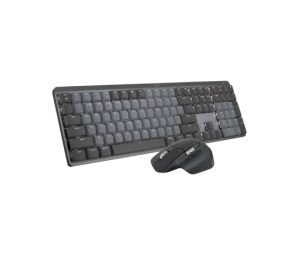 |
Ergonomic Mice and Keyboards
| Logitech Waves Wireless Keyboard | Logitech Ergo K860 Wireless Keyboard | Logitech Lift Vertical Mouse | Logitech MX Ergo S Plus Wireless Trackball Mouse |
|---|---|---|---|
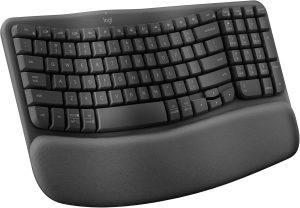 |
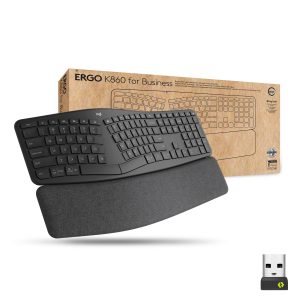 |
 |
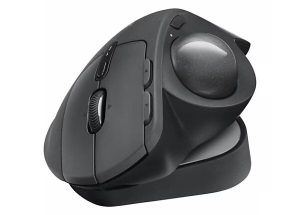 |
Apple Mouse and Keyboards
| Magic Keyboard | Magic Mouse | Magic Trackpad |
|---|---|---|
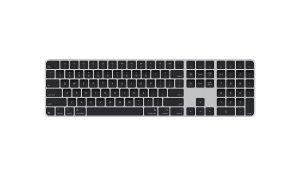 |
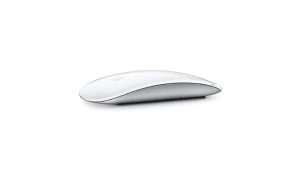 |
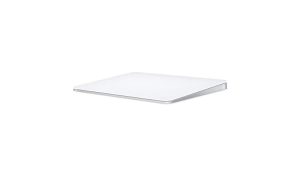 |
Webcams
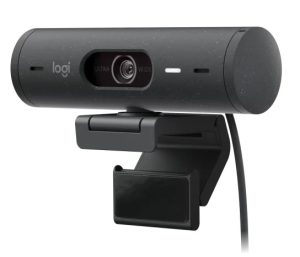
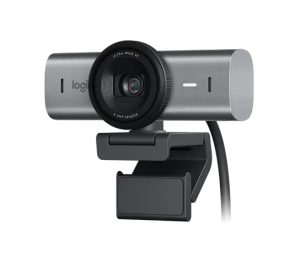
The following webcams are currently what the College recommends.
| Logitech C920S | Logitech Brio 500 | Logitech MX Brio |
|---|---|---|
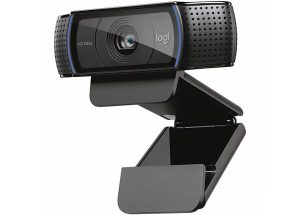 |
 |
 |
Webcam Information
| Logitech C920S | Logitech Brio 500 | Logitech MX Brio | |
|---|---|---|---|
| Resolution | 1080p @ 30fps | 1080p @ 30fps 720p @ 60 fps |
4K @ 30fps 1080p @ 60fps |
| Microphone | Dual-Mic Integrated Mic | Single Integrated Mic | Dual beamforming Mics |
| Auto-Framing | No | Yes | Yes |
| Camera Megapixels | 3 | 4 | 8.5 |
| Light Correction | No | Yes | Yes |
| Privacy Shutter | Yes | Yes | Yes |
| Noise Reduction | No | Yes | Yes |
Speakerphones
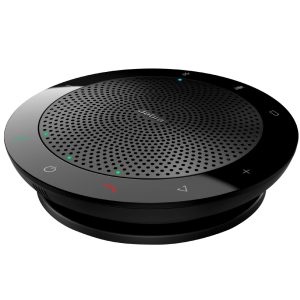
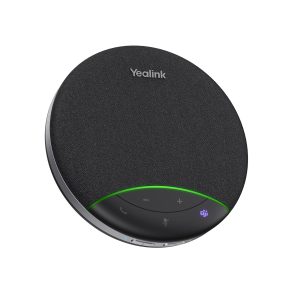
These speakerphones are mainly used in conference rooms. Here's our recommendations.
| Jabra Speak 510 | Yealink SP92 |
|---|---|
 |
 |
Speakerphone Information:
| Jabra Speak 510 | Yealkink SP92 | |
|---|---|---|
| USB Capable | Yes | Yes |
| Bluetooth Capable | Yes | Yes |
| Wireless Connection | Yes (via dongle) | No |
| Teams Certified | Yes | Yes |
| Zoom Certified | Yes | Yes |
Phones
The following are phones we currently offer within the College.
| Yealink MP54 E2 | Yealink MP56 E2 | Yealink MP58 E2 |
|---|---|---|
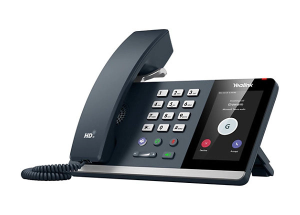 |
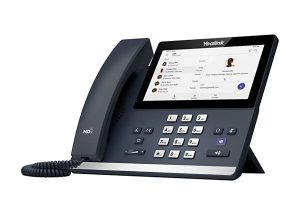 |
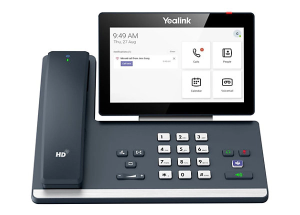 |
Phone Information:
| Yealink MP54 E2 | Yealink MP56 E2 | Yealink MP58 E2 | |
|---|---|---|---|
| Screen Size | 4" Touchscreen | 7" Touchscreen | 7" Touchscreen |
| PoE Capable | Yes | Yes | Yes |
| Expansion Capable | No | Yes | Yes |
| Connect to External Headset | Yes | Yes | Yes |
| Wired Handset | Yes | Yes | No |
| Wireless Handset | No | No | Yes |
Headsets
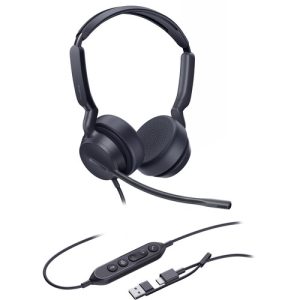
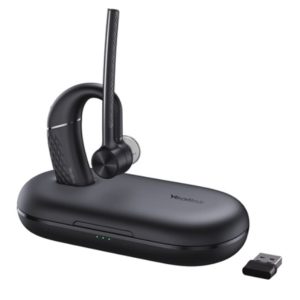
| Yealink UH42 (Wired) | Yealink BH71 (Wireless) | Yealink WH64 (Wireless & Bluetooth) |
|---|---|---|
 |
 |
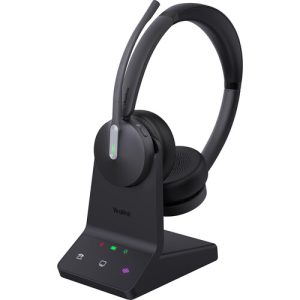 |
All three headset allow you to make and answer calls on your computer or desk phone. These items allow you to listen to meetings uninterrupted and not disrupt your colleagues. More information on the differences between each headset can be found below.
Headset Information:
| Yealink UH42 | Yealink BH71 | Yealink WH64 | |
|---|---|---|---|
| Connection | Wired | Wireless (via dongle) and Bluetooth | Wireless (via dongle) and Bluetooth |
| Mic Noise Cancellation | No | Yes | Yes |
| Busy Light | No | No | Yes |
| Teams and Zoom Capatible | Yes | Yes | Yes |
| Battery Life | N/A | 10 Hours (20 Hours in Power Box) | 18 Hours |
| Connect to Desk Phone | No | Yes (via Bluetooth) | Yes (via Bluetooth, or optional phone line connection) |